Record
Button
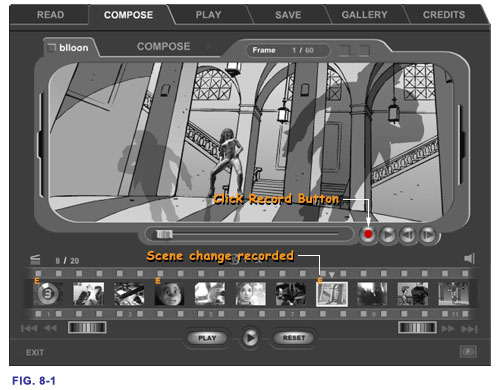
Once you have your scene composed or re-edited to your like, you must
click 'Record' button to register your composition or changes to the
Timeline. If you leave SC mode without record your work, it will be
gone next time you come back. When a composed scene is being recorded
you will see a letter 'E' flashing momentarily and stays on top of
the corresponding frame in the Timeline Strip. This is to indicate
that the scene has been modified in the current timeline session.
 Compose
> Compose
Window > Record
Compose
> Compose
Window > Record

